
Signs Your Website Is Losing You Customers (And How to Fix It)

A website loses customers when it loads slowly on mobile, fails to guide visitors toward a clear next action, isn’t visible in Google or AI search results, looks outdated compared to competitors, or wasn’t built for how people search today. These are the eight warning signs — with a practical check you can run on your own site right now, and what to do about each one.
Your traffic looks fine on paper. But the phone is quiet. Quote requests are thin. You didn’t change anything — so why aren’t the leads coming in?
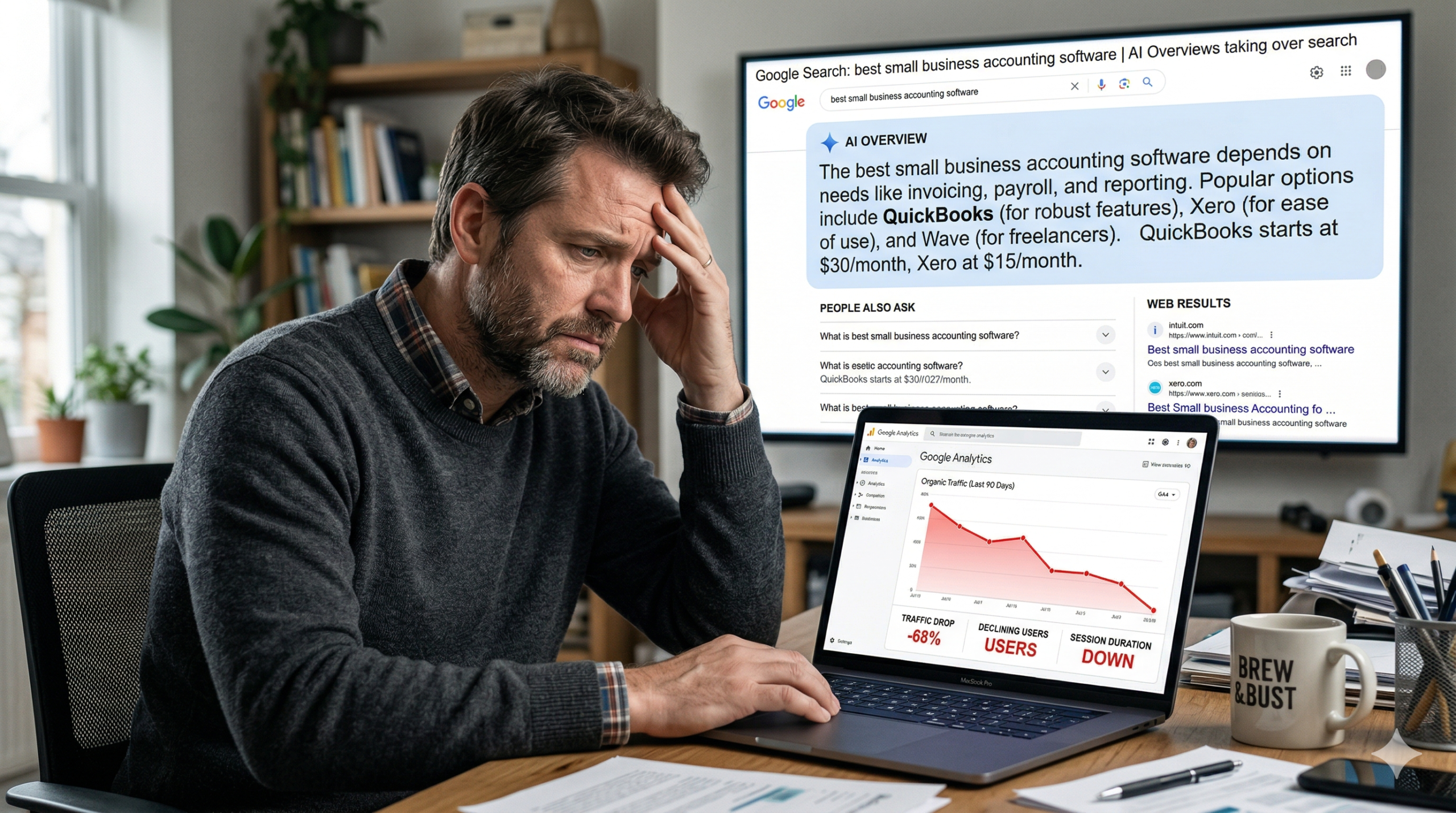
Here’s the thing most business owners don’t realize: a website can look professional, load at a reasonable speed, and still quietly push customers away every single day. Not because of how it looks, but because of how it performs, how it’s structured, and whether it gives visitors a clear reason to reach out.
We see this in almost every website audit we run. The site looks fine to the owner. The data tells a different story.
These are the eight warning signs that your website is costing you customers — and what a modern, AI-ready site does instead.
1. Your website takes more than three seconds to load on mobile
People aren’t waiting.Google’s own research found that 53% of mobile visitors leave a page that takes longer than three seconds to load. Not 30 seconds. Three.
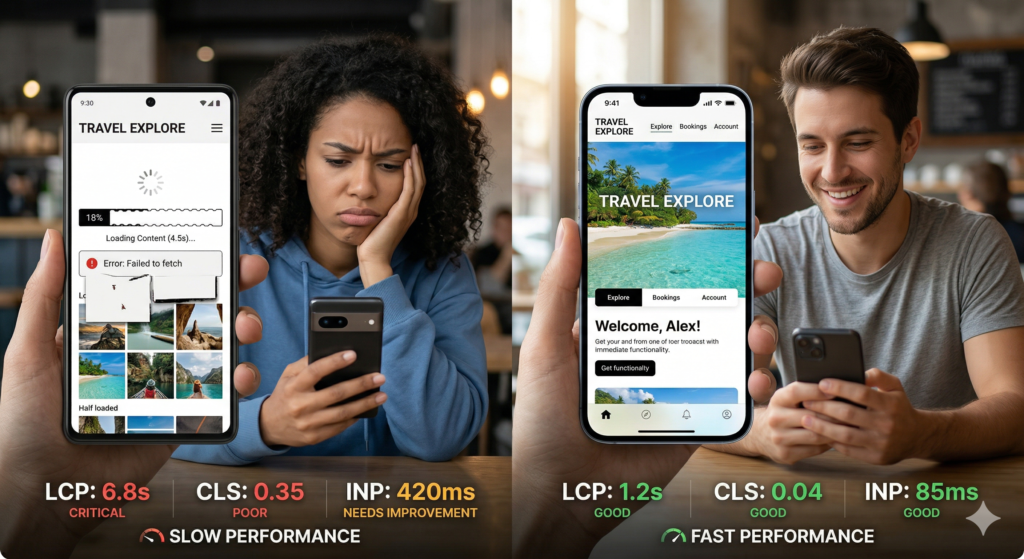
What makes this worse than just an inconvenience is what happens after they leave. Google records every fast exit as a signal that your page didn’t deliver a good experience — and over time, that pattern quietly lowers your rankings. Fewer impressions. Fewer clicks. Less traffic. All from a load time problem you may not even know you have.
The three metrics that matter are LCP (how fast your main content appears), CLS (whether your layout jumps around as it loads), and INP (how fast the page responds to clicks). These are Google’s Core Web Vitals, and failing them has a confirmed impact on where you show up in search.
In audits we’ve run for service businesses, a single uncompressed hero image is the most common cause of a failing LCP score. It’s usually a one-hour fix — but it’s costing them visitors every day it stays unfixed.
Check this now: Take your phone off wifi and open your website on mobile data. Count how many seconds pass before you can read your first sentence. If you counted past three, you’re losing visitors before they see what you offer. Run Google PageSpeed Insights for a free score and a breakdown of exactly what’s slowing you down.
2. Visitors leave without doing anything
Traffic without conversions is just a vanity metric. If people are landing on your site and leaving without calling, filling out a form, or booking a consultation — the issue isn’t your marketing. It’s your website’s conversion architecture. This is one of the clearest signs your website is losing customers without obvious warning.
Here’s a common pattern we see in audits: a homepage with three different calls to action competing for the same visitor. A services page that explains everything you do but doesn’t tell the reader what to do next. A contact page buried two clicks deep. Each of these is a quiet leak in your lead pipeline.
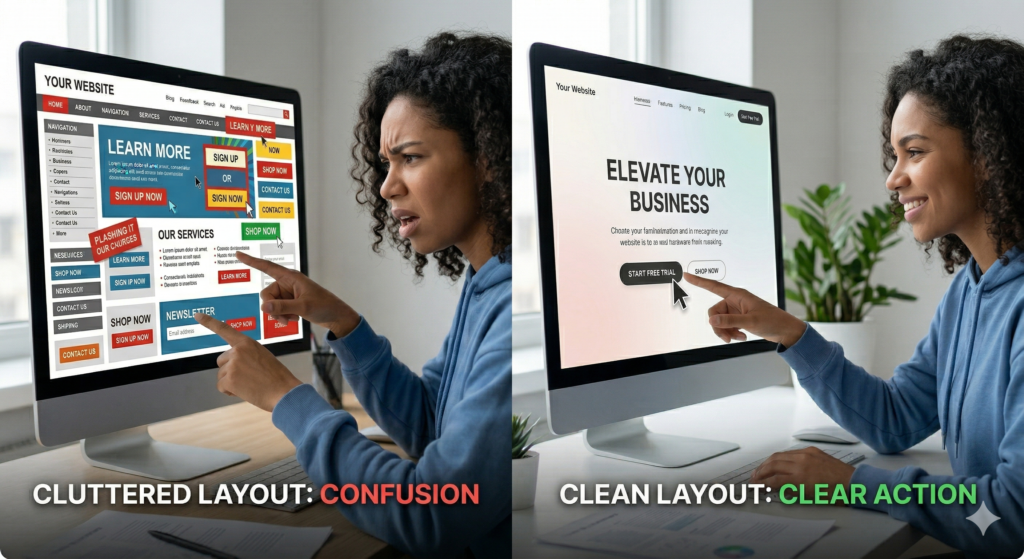
Every page on your site should have one primary goal and one clear next step. If a visitor can read your homepage and still not know what you want them to do, you’re leaving leads on the table. The principles behind high-converting landing pages apply to every page — not just dedicated campaign pages.
Check this now: Show your homepage to someone who has never seen it. Give them five seconds, then ask two questions: what does this business do, and what do they want me to do next? If they can’t answer both, your messaging needs work before more traffic will help.
3. Your website doesn’t appear in Google or AI search results
Invisible in Google is an old problem. Invisible in AI tools is a new one — and most businesses haven’t addressed it yet.
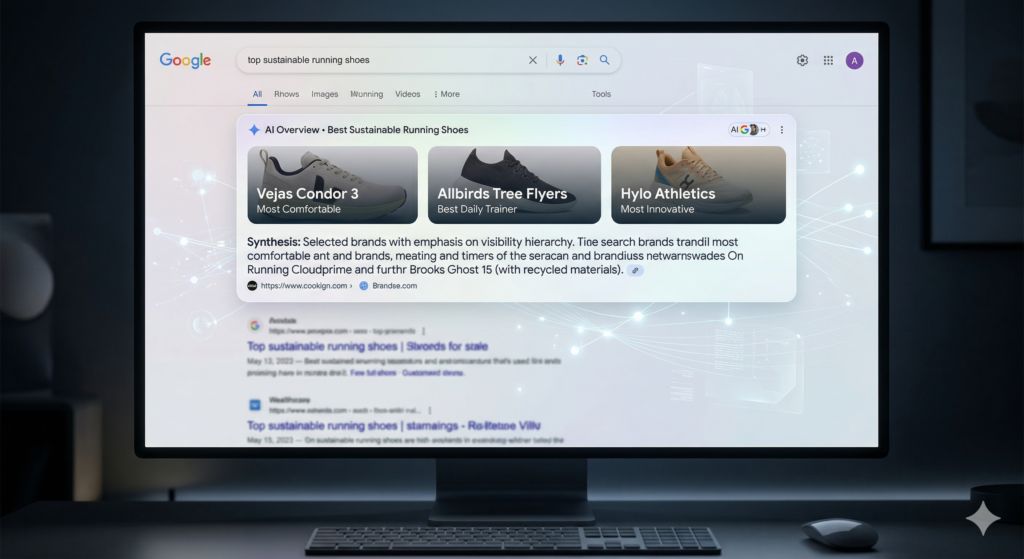
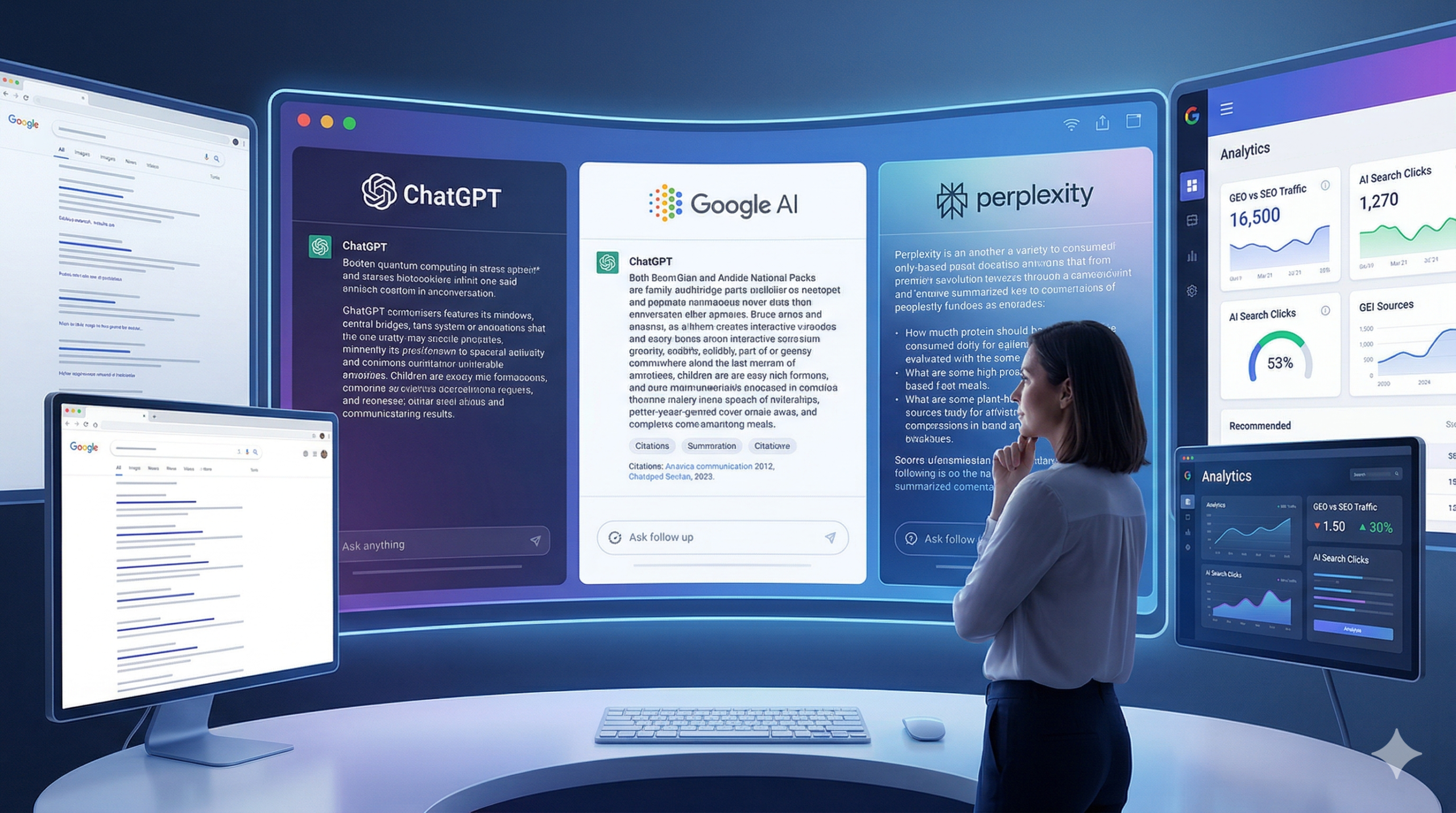
When someone searches a question on Google today, they often see an AI-generated summary box right at the top of the page before any links appear. Google answers the question directly. The user reads it. Closes the tab. Your site never gets the visit.
Ahrefs analyzed 300,000 keywords and found that click-through rates for informational queries dropped by up to 34.5% when AI Overviews appeared. That’s not a small dip. That’s a structural shift in how traffic flows to websites. And the sites appearing inside those AI summaries — getting cited as sources — are capturing brand exposure and clicks that everyone else is missing.
This is where generative engine optimization (GEO) comes in. A site that earns citations in AI tools isn’t just keyword-optimized. It’s structured so AI systems can read it, understand it, and trust it enough to reference it. That means clear headings that match how people actually ask questions, well-organized factual content, a named author with visible credentials, and depth that signals genuine expertise.
Most websites built before 2022 weren’t designed with any of this in mind. They were built for a version of search that no longer dominates. Understanding how to optimize your content for AI search is no longer optional for businesses that want consistent inbound traffic.
Check this now: Open ChatGPT or Perplexity and type: ‘I’m looking for a [your service type] in [your city] — who do you recommend?’ Then search your primary service keyword in Google in an incognito window. If your name doesn’t appear in either, your site isn’t visible where a growing share of your potential customers are looking.
Not sure where you stand? Tabula’s free website audit checks both your Google rankings and your AI visibility — and tells you exactly what needs fixing first.
4. Your design looks dated compared to your competitors
Design isn’t just aesthetics. Research found that 75% of people judge a company’s credibility based on its website design. If a competitor’s site looks more modern and trustworthy than yours, they win the sale — even if your service is objectively better.
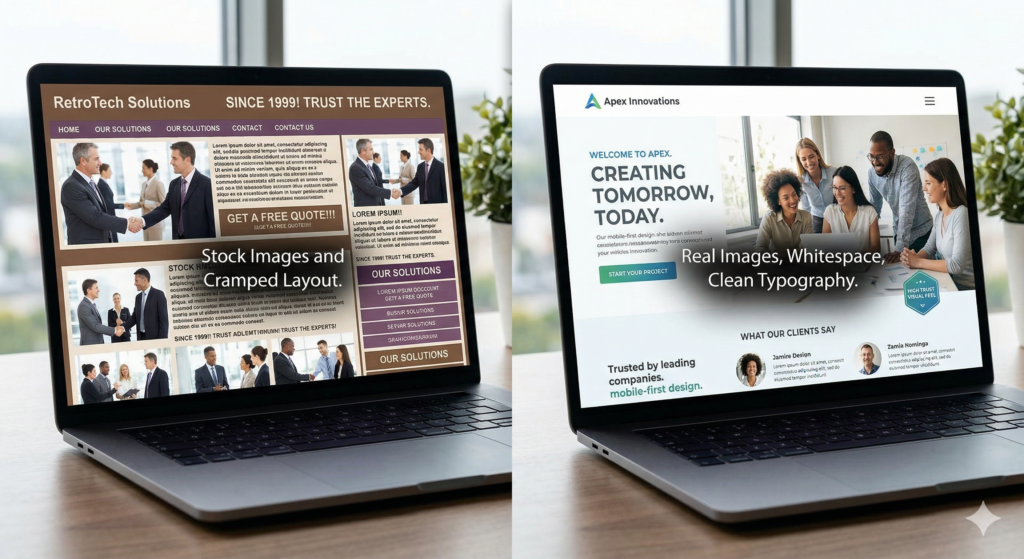
The question isn’t whether you personally like how your site looks. It’s how it compares to the sites your prospective customers see before and after visiting yours.
Four signs your outdated website is costing you credibility:
• Generic stock photos — handshakes, smiling models, abstract office imagery — instead of real photos of your team, your work, or your clients
• A copyright year in the footer that’s two or more years out of date, which signals that nobody is actively maintaining the site
• Inconsistent fonts and colors across pages, suggesting the site was built piecemeal over time rather than designed with intention
• No mobile-first layout — the desktop version was simply shrunk down rather than designed for how most people actually browse
A trust-building website uses consistent brand colors, real photography, clear visual hierarchy, and white space that makes content easy to read. It doesn’t need to be expensive. It needs to look like it was built this decade.
Check this now: Open your website and your top two competitors’ websites side by side on your phone. Which one would you trust more if you were a first-time visitor? If yours isn’t winning that comparison, it’s costing you conversions.
5. It was built for how people used to search, not how they search now
Search changed significantly after 2022. Websites structured around exact-match keyword phrases from five years ago are not rewarded the same way anymore.
Google’s algorithm now understands context, synonyms, and the real intent behind a query. A page called ‘Affordable Marketing Toronto’ ranks worse today than a page that genuinely answers what someone searching that phrase is trying to accomplish. The algorithm is looking for real, useful answers — not pages that repeated a keyword in the right spots.
Voice search and conversational queries have made this even more pronounced.Google reports that over 27% of searches are now voice-based, and the percentage is higher on mobile. People search in full sentences: ‘what should I look for when hiring a web developer’ is a real query thousands of people type every month. A website with no FAQ section, no detailed explanation of your process, and no content that addresses what your customers actually ask is invisible to this kind of search.
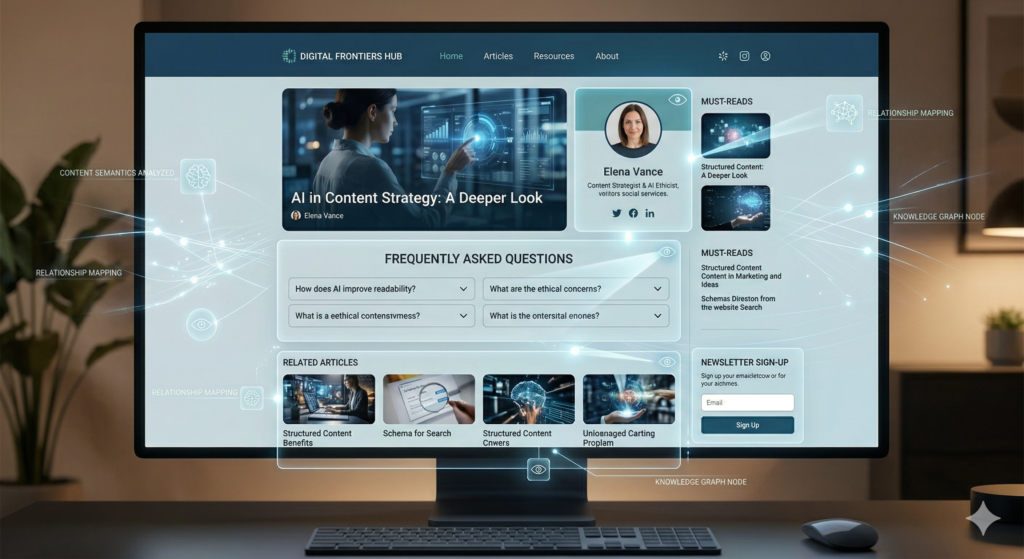
Check this now: Type three questions your customers commonly ask you into Google, in natural language the way a customer would phrase them. Does your website appear in the results? Does any of your content directly answer those questions? If not, your site is missing the queries that bring in the most qualified visitors.
6. Your contact form or booking process creates friction
Friction is anything that makes a prospective customer pause, hesitate, or give up before completing an action. In a contact or booking flow, friction is almost always invisible to the business owner — and completely obvious to the visitor.
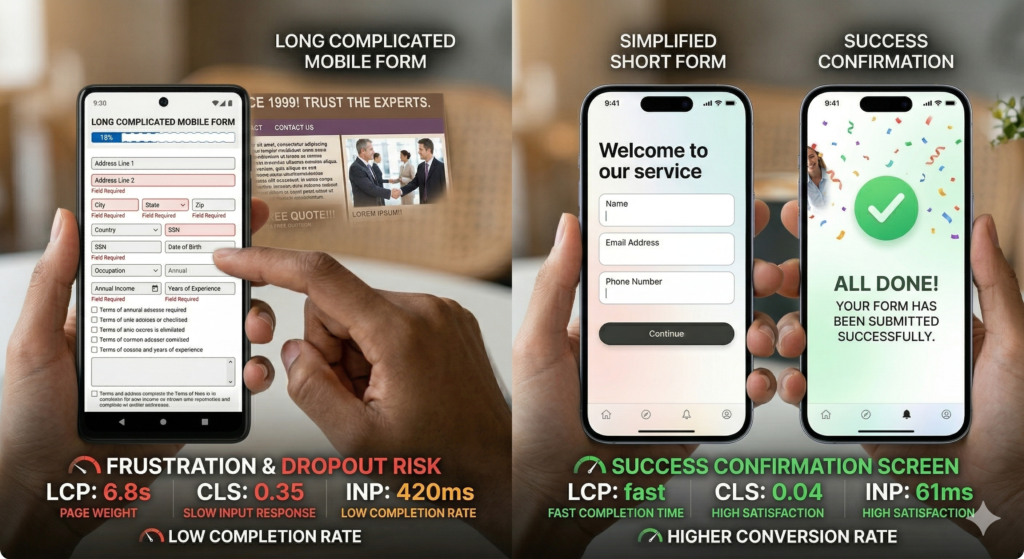
Common friction points that cost you enquiries from a website that isn’t converting:
• Forms that ask for more information than is needed to respond to an initial enquiry
• No confirmation message after the form is submitted — the visitor wonders whether it even worked
• A form that’s not optimized for mobile, with small tap targets and text that requires zooming to read
• A phone call required to book a consultation when competitors offer a one-click online booking option
We audited a professional services firm recently whose contact form had 11 required fields — including a budget range and a project timeline — before a prospect could make first contact. Their form submission rate was 0.4%. After reducing it to four fields, it jumped to 3.1% with no other changes.
Check this now: Open your contact form on your phone and go through the full process as if you were a customer. Time it from clicking your CTA button to the confirmation screen. If it takes more than 90 seconds, or if anything confuses you along the way, your form is costing you enquiries.
The business with the easiest booking process wins the enquiry from someone comparing options. That’s most of your prospective customers.
7. You can’t update your own website without calling a developer
This one is less visible than the others — but it compounds every problem on this list.
If you can’t update a service page, fix a typo, add a new team member, or publish a blog post without waiting on a developer, your website is a bottleneck rather than an asset. Business agility depends on being able to respond quickly. If a competitor launches a new service and you can’t update your messaging for two weeks because you’re waiting on a callback, you lose ground you may not get back.
A well-built website gives you straightforward control over content: updates through an accessible CMS, image swaps without breaking the layout, new pages that fit the existing navigation without a full redesign. You shouldn’t need a developer for routine content changes.
Owning your marketing means being able to use your website — not just having it exist on the internet.
Check this now: Try to change a single line of text on your services page without help. If you can’t do it in under 10 minutes, your CMS is a bottleneck. If it requires a support ticket to a developer, that delay is costing you agility and money every month.
8. Your website’s structure isn’t built to be cited by AI tools
Sign 3 covered the visibility problem: your site isn’t appearing in AI search results. This sign is different — it’s about the structural reason why. A site can appear in search results and still never get cited by AI tools, because those are two separate problems.
When ChatGPT, Perplexity, or Google’s AI Overview generates an answer to a query, it looks for sources that are structured in a way it can extract, trust, and quote. That means content organized around clear questions and answers, a named author with verifiable credentials, factual claims that can be cross-checked, and internal linking that signals depth in a topic. Most older websites have none of these structural signals even if they rank reasonably well in traditional search.
Being cited in an AI Overview changes your visibility more than ranking number one does for many queries.Research found that brands cited in AI Overviews see 35% more organic clicks than non-cited competitors on the same query.
An AI-ready website builds these structural signals in from the start: FAQ sections that directly answer customer questions, content that demonstrates genuine expertise rather than assembled information, clear author credentials, and a technical foundation that loads fast and stays stable on mobile.
Check this now: Ask ChatGPT: ‘What makes a good [your service type] website?’ Then look at the structural elements in whatever answer it produces. Clear headings, specific answers, expert attribution, organized lists. Does your website’s content match that structure? If not, AI tools won’t cite it even if they find it.
What a modern, AI-ready website actually does differently
After eight warning signs, it’s worth being specific about the solution — not just what’s wrong.
A high-converting, AI-ready website does five things consistently. Here’s what each one looks like in practice:
1. Loads fast and stays stable on every device. Passes Core Web Vitals on both desktop and mobile. Under two seconds load time. No layout shift. Immediate response to clicks. Everything else depends on getting this right first.
2. Contains content structured for how people actually search. Clear headings that match real questions. Key services and processes explained in specific terms, not marketing language. FAQ sections that answer what customers genuinely ask. Content written by someone with expertise — not assembled to satisfy a keyword count.
3. Has one clear conversion goal per page. The homepage guides visitors toward booking a consultation or exploring services. Service pages guide visitors toward enquiring. Blog posts guide toward related content or a lead capture. Nothing competes for attention on the same page.
4. Gives the business owner actual control. Routine updates, new content, basic page changes — none of these require a developer. The business owns its website and can act on it without waiting on anyone.
5. Is built to be found by AI tools, not just search engines. Structured so ChatGPT, Perplexity, and Google AI Overviews can read it, understand it, and cite it. This is what separates a website built in 2026 from one built in 2019 that’s been patched ever since.
A website with all five of these characteristics doesn’t just rank better. It converts the visitors it already has. Most businesses focus entirely on getting more traffic before fixing the website that’s losing the traffic they already have. That’s the wrong order.
A website that loads slowly, doesn’t convert visitors, and wasn’t built for how search works today is not just an outdated branding problem. It’s a lead generation problem that compounds every month. The warning signs are almost always visible in the data before they show up in the revenue numbers.
FREE WEBSITE AUDIT
Your website should be bringing in customers. If it isn’t, let’s find out why.
We’ve audited hundreds of business websites across North America. In almost every case, the fixes that move the needle most are not expensive — they’re just invisible until someone looks.
Book a free 30-minute website audit with Tabula. You’ll walk away with:
• A clear diagnosis of which of the 8 signs above apply to your site
• A ranked list of what to fix first, based on impact vs. effort
• Honest advice on whether a rebuild is necessary or targeted improvements will do
• No sales pressure, no obligation — just the data
Or learn more about Tabula’s web development services before you reach out.
Frequently Asked Questions
Your website is losing customers if your bounce rate exceeds 70% and your contact form conversion rate is below 2%. Open Google Analytics, check average session duration and bounce rate, then compare form submissions against total sessions over the last 90 days. If most visitors leave within 30 seconds and few are submitting forms, your site is losing customers before they reach out.
An AI-ready website is structured so that Google AI Overviews, ChatGPT, and Perplexity can read, understand, and cite its content. This means clear H2 and H3 headings that match how people ask questions, factual content with cited sources, a named author with visible credentials, fast load times on mobile, and a FAQ section that directly answers common queries.
Most business websites benefit from a meaningful structural update every three to four years. If your site loads slowly on mobile, wasn’t built with SEO or GEO in mind, or was designed before 2022, it likely needs more than a cosmetic refresh to stay competitive. The more useful question isn’t ‘when was it built’ but ‘is it currently doing its job’ — measured by conversion rate, search visibility, and whether it appears in AI search results for your target queries.
Yes, directly and measurably. Page speed is a confirmed Google ranking factor. Sites that fail Core Web Vitals checks rank lower in search results, and Google’s AI Overviews tend to cite sources that load quickly and perform well on mobile. Slow websites also produce higher bounce rates, which compounds the ranking impact over time. A site loading in 4 seconds instead of 1.5 seconds can lose 30 to 40% of its visitors before they read a single word — and Google registers every one of those exits.
A refresh updates visual elements — colors, fonts, images — while keeping the underlying structure and content intact. A full website redesign rebuilds from the ground up with a new information architecture, updated technology stack, and a revised content strategy.
A professional website redesign for a service business typically ranges from $3,000 to $15,000 depending on the number of pages, required integrations, and whether the build includes SEO and GEO optimization.